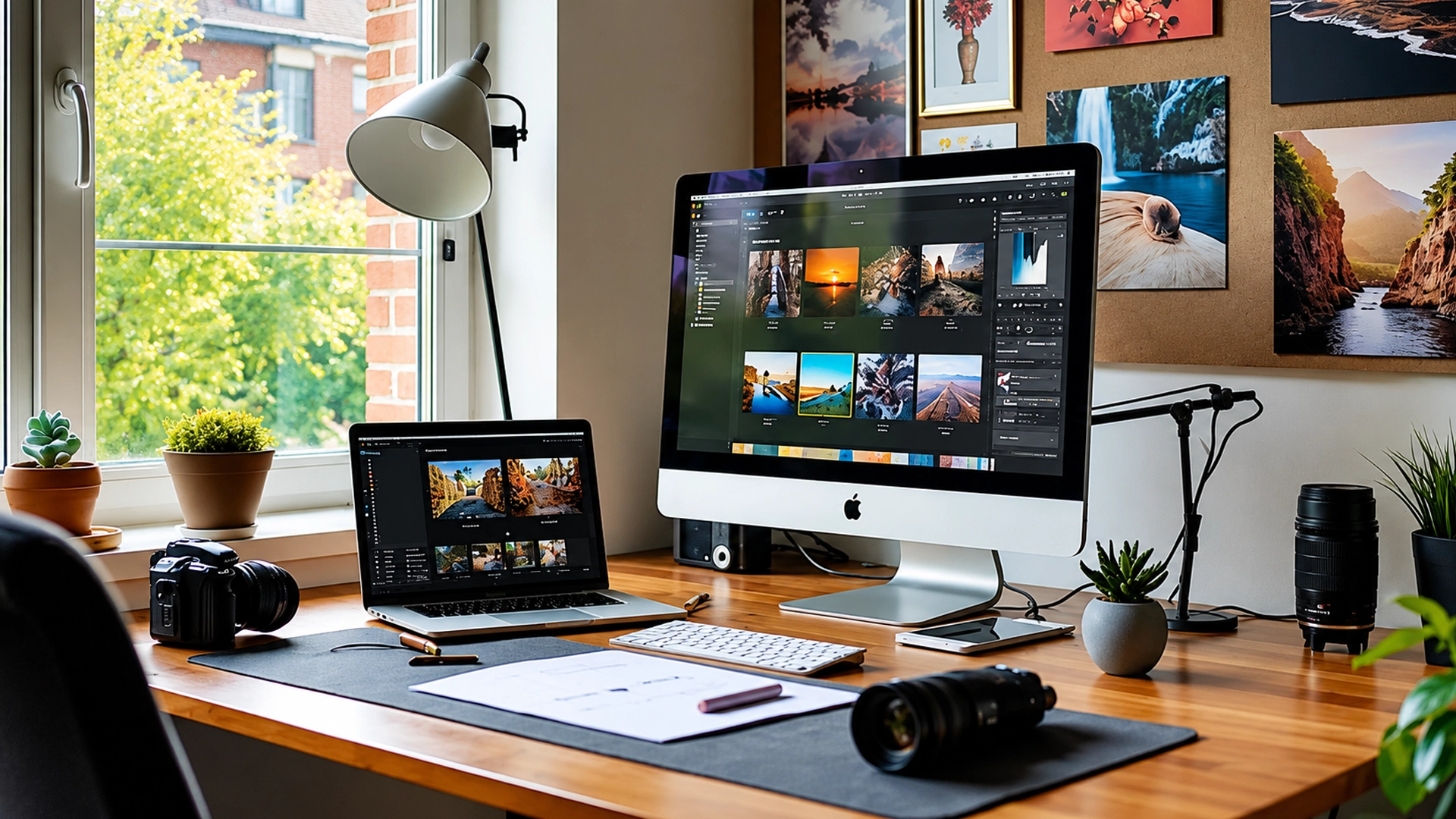
Every photographer reaches this point sooner or later. You finish an incredible trip, transfer hundreds of photos to your laptop, open Lightroom, and suddenly wonder what comes next. Should you apply a preset with a single click, or spend time adjusting every photo by hand?
I’ve asked myself the same question more times than I can count.
When I first started editing travel photos, presets felt like magic. One click could transform a dull image into something colourful and eye-catching. It was quick, simple, and honestly, quite satisfying. But the more I travelled and photographed different landscapes, the more I realised that no two places are ever the same. A preset that looked beautiful on a beach in Goa didn’t necessarily work for a misty morning in Darjeeling or the dramatic mountains of Ladakh.
That’s when I began learning manual editing, and it completely changed the way I looked at photography.
If you’ve been wondering whether Lightroom presets or manual editing produces better results, the answer isn’t as simple as choosing one over the other. Both have their strengths, and understanding when to use each can make a huge difference to your final images.
What are Lightroom presets?
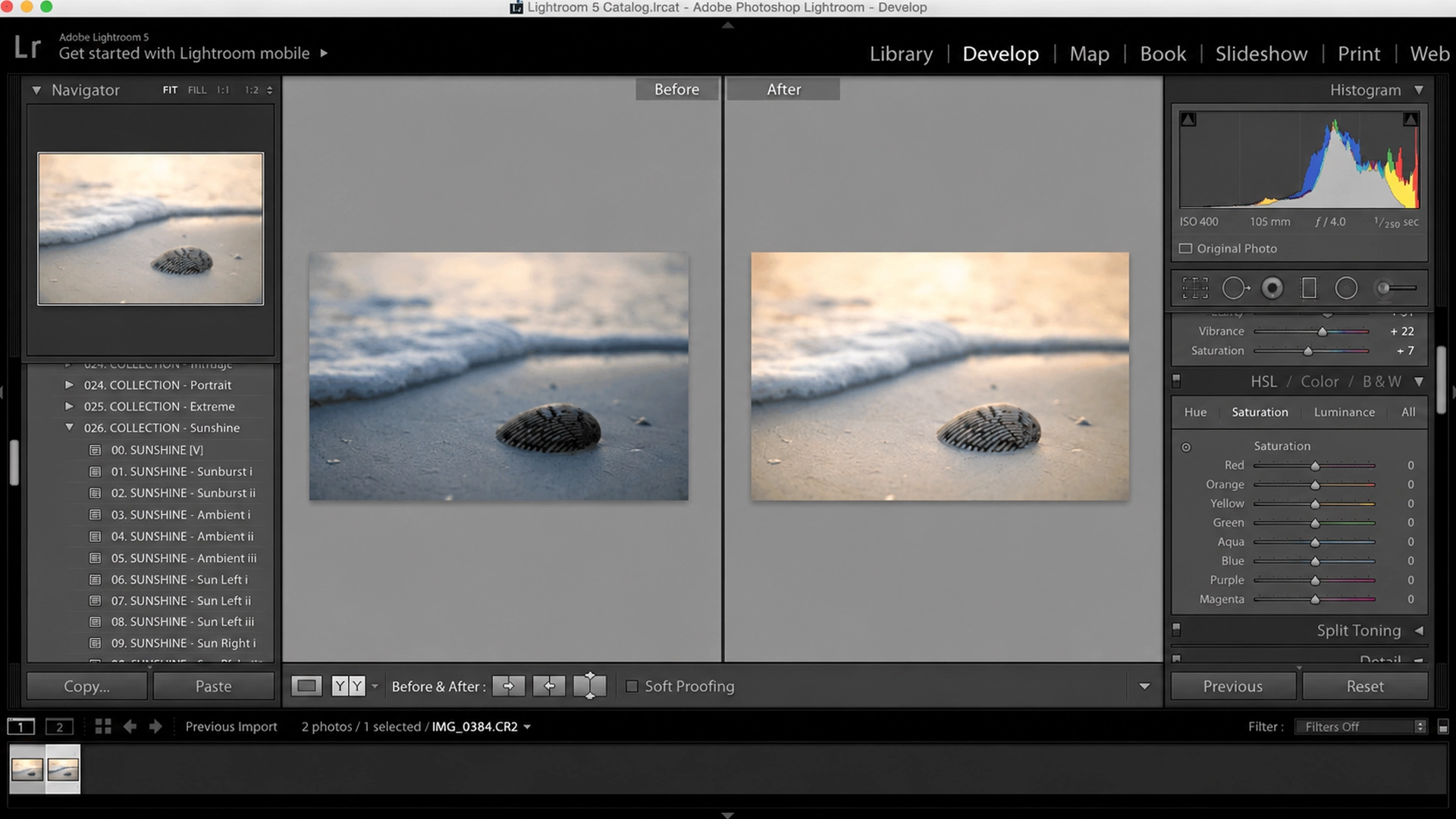
Think of Lightroom presets as saved editing recipes. Instead of adjusting exposure, contrast, highlights, colours, and other settings every time you edit a photo, a preset applies those adjustments instantly.
For beginners, this can be a huge confidence boost. Instead of staring at dozens of editing sliders, you have a finished starting point that immediately gives your image a certain mood or style.
Many travel creators use presets because they help keep their Instagram feed or portfolio looking consistent. Whether someone edits mountain landscapes, city streets, or café interiors, using the same preset creates a recognisable visual identity.
Some of the biggest advantages of Lightroom presets include:
- They save a significant amount of editing time.
- They create a consistent editing style across your photos.
- They’re beginner-friendly and easy to use.
- They provide a great starting point for further adjustments.
However, presets aren’t magic buttons. Every photograph is captured under different lighting conditions, weather, and camera settings. A preset designed for a bright sunset may make an overcast mountain scene look unnatural. In most cases, you’ll still need to adjust exposure, white balance, or shadows to make the image look its best.
That’s why experienced photographers rarely rely on presets alone. They use them as a starting point, not the finished result.
Why manual editing gives you more creative control?
Manual editing takes more time, but it also gives you complete control over every detail of your photograph. Instead of letting a preset decide how your image should look, you make those decisions yourself. You can brighten only the areas that need light, recover details in the sky, soften harsh shadows, or adjust colours until they match what you actually experienced.
This becomes especially valuable while editing travel photos because every destination has its own personality. The warm golden deserts of Rajasthan, the snowy peaks of Himachal Pradesh, and the deep blue lakes of Ladakh all deserve different editing approaches. Treating them the same often removes the unique feeling that made you take the photograph in the first place.
In the next part, we’ll compare Lightroom presets and manual editing side by side, explore which one works best for different types of photographers, and help you decide which editing approach fits your own style.
So, which one produces better results?
After using both Lightroom presets and manual editing on countless travel photos, I realised there isn’t a single right answer. The better option depends on what you’re trying to achieve.
If you’re editing hundreds of photos after a long trip, presets can save hours of work. They help you create a consistent style and give every image a similar mood. This is one reason many travel creators and photographers use them regularly.
However, if you want your photos to truly reflect what you saw and felt, manual editing usually produces better results. Every destination has different lighting, colours, and weather conditions. A snowy morning in Himachal Pradesh, the golden dunes of Rajasthan, or the dramatic landscapes of Ladakh all deserve a different editing approach. Applying the same preset to every photo can sometimes make those unique moments lose their character.
Instead of choosing one over the other, I’ve learned to use both together.
The editing workflow that works best
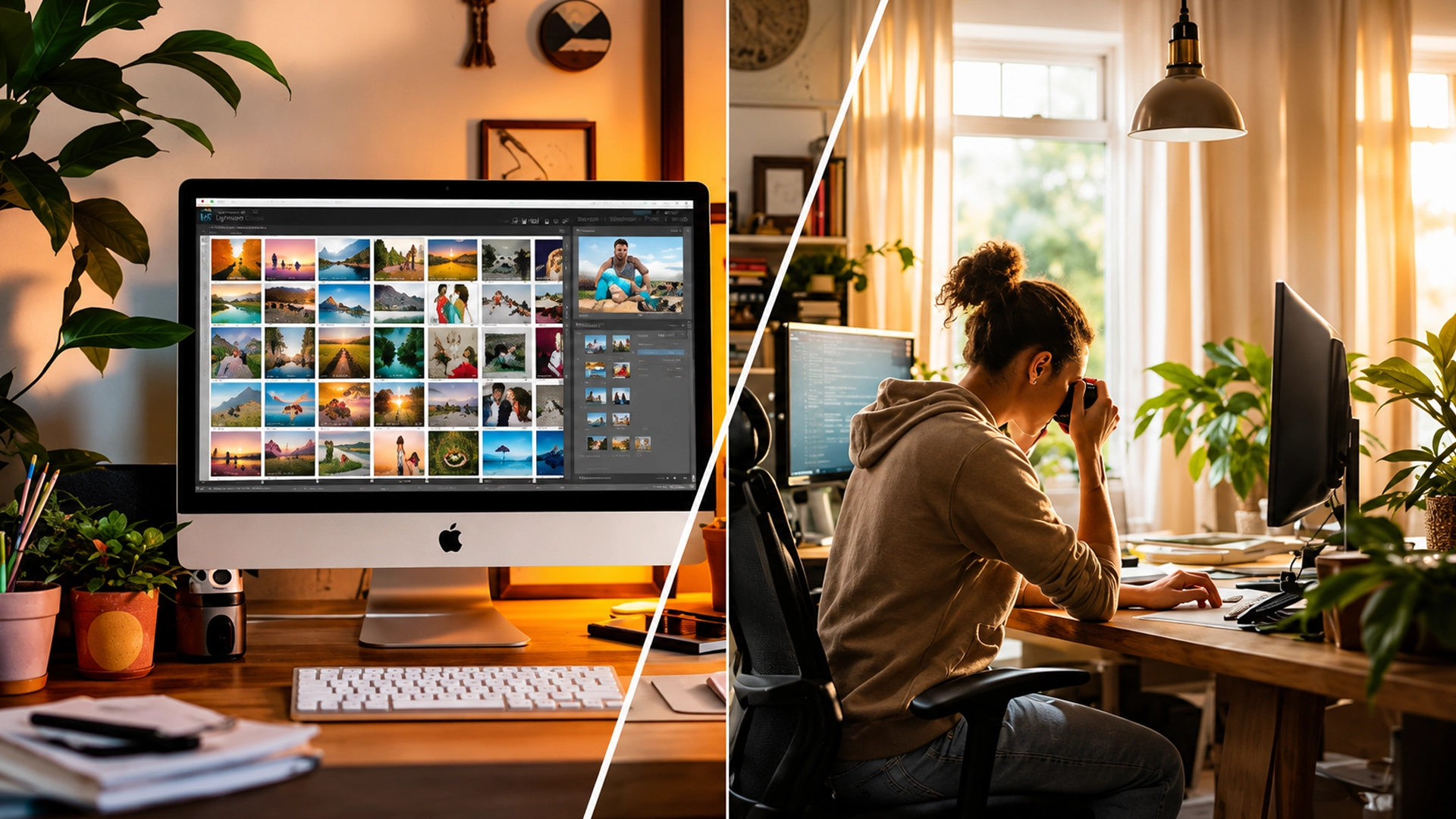
Whenever I return from a trip, I follow a simple editing process that keeps things organised while giving every photo the attention it deserves.
- Remove blurry or duplicate photos.
- Apply a preset only if it matches the overall mood of the image.
- Fine-tune exposure, white balance, colours, highlights, and shadows manually.
- Crop and straighten the photo only if it improves the composition.
- Take a final look to make sure the edit still feels natural.
This approach saves time while making sure every photograph tells its own story.
Final Thoughts
Photography is about much more than making pictures look beautiful. It’s about preserving the feeling of a place. The crisp air of the mountains, the soft colours of sunrise, and the quiet moments you experienced deserve edits that feel authentic rather than overdone.
Lightroom presets are excellent tools, especially if you’re just starting your editing journey or working with a large collection of travel photos. They provide consistency and speed, but they shouldn’t be treated as the final step. Manual editing gives you the freedom to adjust every image according to its own light, mood, and atmosphere.
If I had to give one piece of advice, it would be this: don’t let presets replace your creativity. Use them as a starting point, then make small adjustments until the photo feels like the moment you remember.
At Mountain Girl Diary, we believe every journey has its own colours and every landscape tells a different story. Your editing should simply help those stories shine, not change them.